
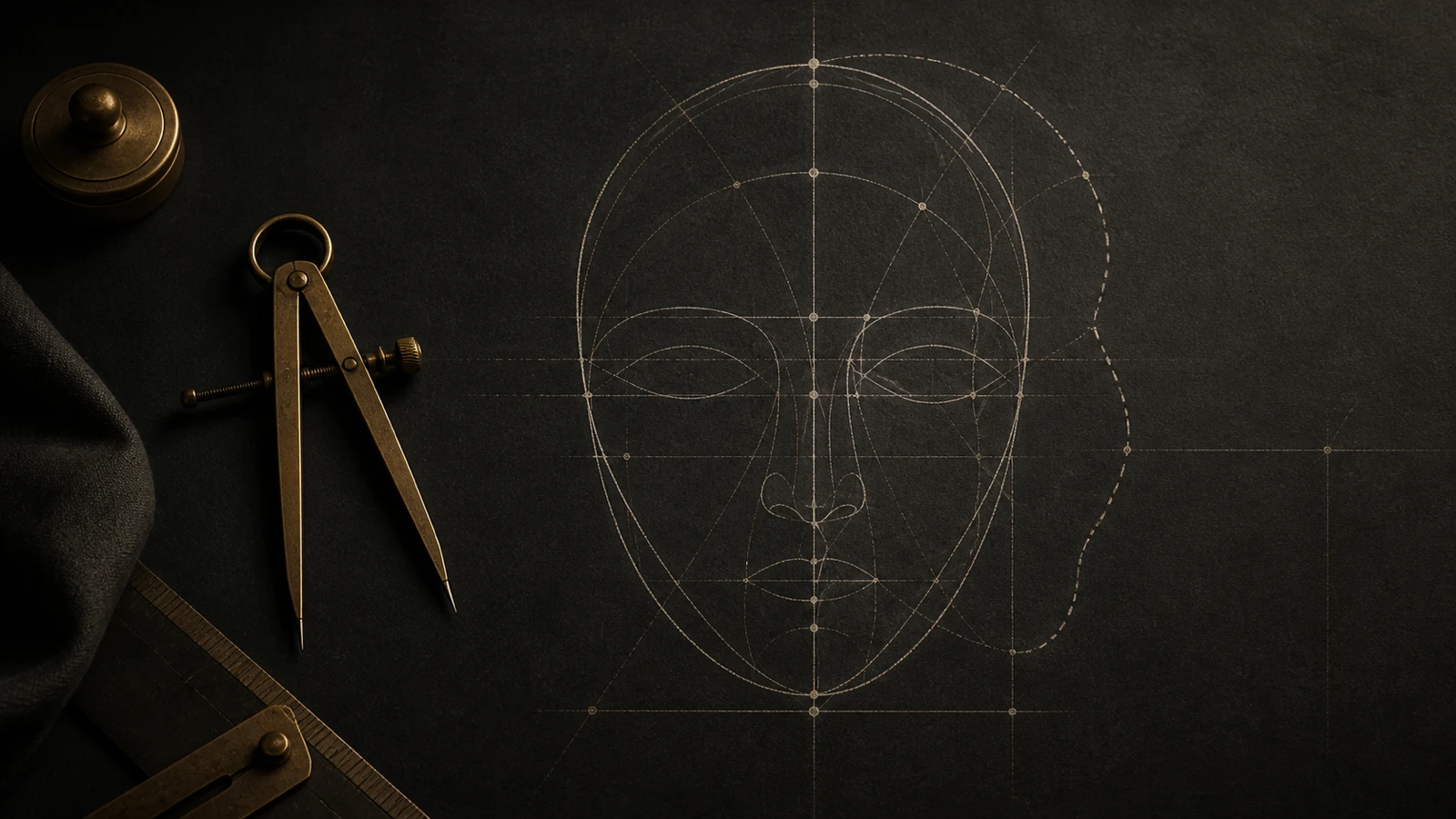
You just spent ten bucks and uploaded a dozen selfies to a trending avatar generator. A few minutes later, you get a clean set of polished professional headshots. Crisp suit, flattering studio lighting, and smooth skin. At first glance, it looks ready for a magazine cover. But after zooming in and staring at the screen for two minutes, a nagging thought kicks in: this person looks great, but they do not really look like you.
That uneasy feeling usually gets worse right when you think about using the photo on LinkedIn or your resume. What happens when you walk into an in-person interview next week and the hiring manager looks confused? Or what if you take the picture to your stylist for bangs, only to end up with a haircut that looks completely wrong on your actual face?
That split between looking good and looking familiar is not in your head. It is a predictable side effect of how generative models rebuild human faces in latent space.
Why it looks great but feels off: what AI portraits actually change
Many people assume AI headshot generators work like a phone filter that just clears up skin blemishes and tweaks the lighting. That is not how diffusion pipelines work.
Generative models do not simply retouch your original features. Instead, they compress your reference selfies into a high-dimensional mathematical space (latent space), then sample a brand-new face influenced by thousands of stylized portraits in their training data.
To make the output match broad statistical patterns of conventional attractiveness, the model tends to homogenize your facial proportions in subtle ways:
- Shortening the midface and philtrum: Algorithms frequently compress the middle third of the face and the philtrum toward youthful, neotenic proportions. As a result, elongated or mature facial structures get reshaped into softer, rounded heart shapes.
- Flattening natural asymmetries: Real faces are naturally asymmetrical. One eyebrow sits slightly higher, eyelid creases differ, or the smile curves unevenly. Research shows people easily tolerate moderate natural asymmetry, as noted in perceptual work by Eißing et al., 2024. Diffusion models often wipe out these minor asymmetries, turning expressive features into a generic, synthetic mask.
- Snapping features to rigid ratio templates: Classic facial attraction research, such as Pallett et al., 2010, discusses relative ratios like eye-to-mouth distance making up roughly 36% of facial length and interocular distance around 46% of facial width. Diffusion models naturally drift toward these high-frequency training distributions, smoothing away the unique bone contours that make you recognizable.
When your brain spots wider eye openings, a shaved jawline, or shifted eye spacing, it immediately triggers an internal mismatch: this is someone else.
What people actually worry about: interview awkwardness and photo privacy
Most frustration around AI generated headshots comes down to two practical pain points: losing credibility in person and losing control over personal photos.
Scenario 1: the trust gap in job interviews and business meetings
Picture this: you put a sleek AI headshot on your resume and pass the initial screening. Two days later, you walk into a conference room for the onsite interview. The hiring manager looks up at you, glances back down at the resume printout, and hesitates for a second.
That brief pause changes the room dynamic. Professional settings depend on authenticity. When an avatar differs significantly from your real facial structure, interviewers can walk away feeling you over-edited your profile. You wanted a polished picture to build confidence, but the discrepancy ends up costing trust instead.
Scenario 2: sending private photos to unknown cloud servers
Creating these headshot sets usually requires uploading 10 to 20 clear personal photos covering different angles and expressions. But where do those files go once processing finishes?
Many lightweight web apps process everything on remote cloud servers and may retain biometric data or feed images into future model training sets. Some rating sites even post user photos to public leaderboards. Turning your private face data into algorithm training material without clear deletion guarantees is a major privacy concern.
In the first 10 minutes after getting your AI headshots, hold off before posting or booking a haircut
If you just downloaded a fresh batch of generated portraits, take a few minutes to check them before sharing them everywhere or making styling decisions:
- Do not use the image as a reference for haircuts or styling changes: People often see high cranial volume, curtain bangs, or a new hair color in their AI avatar and text the picture straight to their stylist. Hair stylists cannot always tell it is an AI render at a glance. Once cut, you realize the avatar had a completely different forehead height and temple width, leaving you with an unflattering cut.
- Run a side-by-side check against an unedited back-camera photo: Have someone take an unedited photo from about 1.5 meters away in natural light using your phone back camera. Put it next to the AI portrait on a screen and check three spots: distance between inner eye corners, alar nose width, and distance from lower lip to chin tip. If those three points shifted noticeably, the algorithm altered your bone structure.
- Look closely at ears, hair edges, and collar lines: Diffusion models still stumble on geometric logic around earlobes, individual hair strands, and where collars meet the clavicle. These artifacts are easy to spot on a desktop monitor.
Until you have checked your objective proportions, treat generated portraits as digital art rather than an accurate reflection of your real face.
When checking popular portrait generators, how to spot real likeness vs fake realism
Many people search for open-source generation frameworks (such as tools derived from Z-Image) or online avatar conversion tools like Image2.im. When testing these options, keep the underlying technical limits in mind.
Open-source workflows use LoRA fine-tuning, IP-Adapter conditioning, or ControlNet poses to anchor facial identity. Even with advanced settings, pure diffusion denoising still introduces latent space distortion:
- Overly smoothed skin texture: To blend sampled patches together, models often wipe out natural pores, fine texture, and subtle skin flush, producing a waxy surface.
- Standardized catchlights and pupil sizes: Real eyes have distinct iris exposure and focal points, while AI images tend to give everyone identical, high-contrast reflections.
- Missing bone structure anchors: AI tools do not understand human anatomy. The model does not know which bones support your cheek contours. It simply draws shadows that look like popular online photos, creating lighting that cannot exist on your real face.
Marketing promises of 100% likeness are rarely accurate. Remembering that generated outputs are stylized digital illustrations helps keep expectations realistic.
Friends love it, recruiters squint: why reactions to your AI portrait split
It is common to see split reactions: friends in a group chat say the avatar looks amazing, but close family members or longtime colleagues tell you it looks nothing like you.
There are clear reasons for that divide:
- Quick glance vs focused evaluation: Friends browsing social feeds look at a thumbnail for less than half a second. As evolutionary psychology research summarized in Little et al., 2011 shows, human brains respond positively to average features and symmetrical lighting at first glance. A tiny preview registers as a nice picture rather than your personal likeness.
- Familiarity and signature facial cues: People who know you well recognize your unique balance of features, like a slightly raised mouth corner, a specific eye angle, or nose width. When the model smooths those out, familiar observers immediately sense the difference.
- Harmony is not a single template: Clinical anthropometric studies, such as Milutinovic et al., 2014 on facial thirds and fifths, show that balanced faces fall across a healthy range of anatomical proportions. A systematic review on the golden ratio by Londono et al., 2024 also confirms that natural facial aesthetics do not adhere to one rigid formula. Forcing everyone toward the same template destroys personal balance.
Subjective opinions always vary. Relying on quick compliments or algorithmic filters will not give you a clear understanding of your real features.
Real facial anatomy vs AI latent space smoothing: key feature comparison
To see where generative models commonly modify natural proportions, compare anatomical baseline measurements against typical model outputs:
| Facial Region | Anatomical Reference Range | Common AI Latent Space Bias | Real-World Impact and Risk |
|---|---|---|---|
| Midface Length (Nasion to Subnasale) | Varies individually, roughly 30% to 35% of vertical facial height | Compresses the midface to match younger facial distributions | Flattens longer face shapes and erases mature styling cues |
| Philtrum to Chin Ratio | Lower lip to menton distance is typically 1.8 to 2.2 times philtrum length | Shortens the philtrum and tapers the chin, ignoring jaw anatomy | Weakens jawline realism and looks inconsistent in person |
| Intercanthal Distance (Eye Spacing) | Roughly equal to the width of one eye within horizontal fifths | Snaps eye spacing to template averages, pulling eyes in or out | Creates unnatural focal gaze and a synthetic appearance |
| Natural Asymmetry | Minor differences in brow ridge, cheekbones, and smile dynamics | Flattens differences with mirrored symmetry | Triggers an uncanny valley look that feels stiff and artificial |
| Hairline and Cranial Height | Depends on frontal bone curvature and natural hair density | Adds artificial volume above the head and lowers temples | Misleads haircut decisions that cannot be recreated in real life |
| Skin Texture and Subsurface Detail | Features microvascular color shifts, pores, and natural skin depth | Produces uniform smoothness lacking true light interaction | Looks obviously synthetic on full-resolution displays or print ID badges |
Keep photos off the cloud: find your real facial harmony with objective geometry
Instead of asking people whether an avatar looks like you, the most reliable approach is establishing an objective baseline of your facial proportions.
An objective baseline focuses on simple geometry rather than beauty scores, computing everything locally on your device to keep personal data safe.
Computer vision can now detect facial landmarks directly in your browser without sending images to remote servers. Solutions like the MediaPipe Face Landmarker guide by Google AI Edge extract 3D coordinates on-device. Your photo stays in your browser memory and never gets stored in a remote database.
Built on this on-device approach, the FacialHarmonyAI homepage provides an objective, geometry-first analysis:
- One frontal photo, processed entirely in your browser: Landmark points are mapped directly on your phone or laptop. No photos are saved to the cloud, uploaded for model training, or leaked.
- Around 30 frontal plane geometric ratios: From vertical thirds and horizontal fifths to philtrum balance and brow alignment, you get clear ratio data that describes your bone structure without arbitrary beauty ranking.
- A non-medical, non-judgmental reference: Start with a free preview of your vertical balance and symmetry. If you want deeper insights, unlock the optional full report for a one-time $9.99 fee with no recurring subscription.
When you know your real midface proportion, jaw balance, and temple width, you stop second-guessing yourself over distorted AI avatars. Whether planning professional photos, trying new hairstyles, or picking glasses, you can work with real anatomical measurements rather than generative guesswork.
Frequently asked questions
Q1: are AI generated headshots completely unusable on resumes?
Not necessarily, but it depends on how much the geometry shifted. If the tool only replaced the background and clothing while keeping your original eye spacing, midface length, and jaw shape intact, it works fine for general online profiles. If your core bone structure was redrawn, use caution before taking it to formal onsite interviews.
Q2: since the golden ratio is so famous, why not edit photos straight toward it?
As systematic studies confirm, including findings in Londono et al., 2024, naturally attractive faces do not follow a single mathematical formula. Facial harmony comes from how your individual features balance with one another. Forcing every face toward one ratio produces a generic, unnatural look.
Q3: how do you take a clear baseline photo for measuring facial proportions?
Take a photo in balanced natural light, standing about 1.5 to 2 meters away from the camera at eye level (use a tripod or ask a friend). Avoid close-up front-camera selfies, because wide-angle lens distortion artificially enlarges the nose and center of the face, skewing measurement values.
References
- Google AI Edge: MediaPipe Face Landmarker guide
- Pallett et al. (2010): New "Golden" Ratios for Facial Beauty (PMC)
- Eißing et al. (2024): Limits in the Perception of Facial Symmetry, A Prospective Study (MDPI)
- Little et al. (2011): Facial attractiveness: evolutionary based research (PMC)
- Milutinovic et al. (2014): Evaluation of facial beauty using anthropometric proportions (PMC)
- Londono et al. (2024): Assessment of the golden proportion in natural facial esthetics: A systematic review
- Rhodes et al. (1998): Facial symmetry and the perception of beauty